
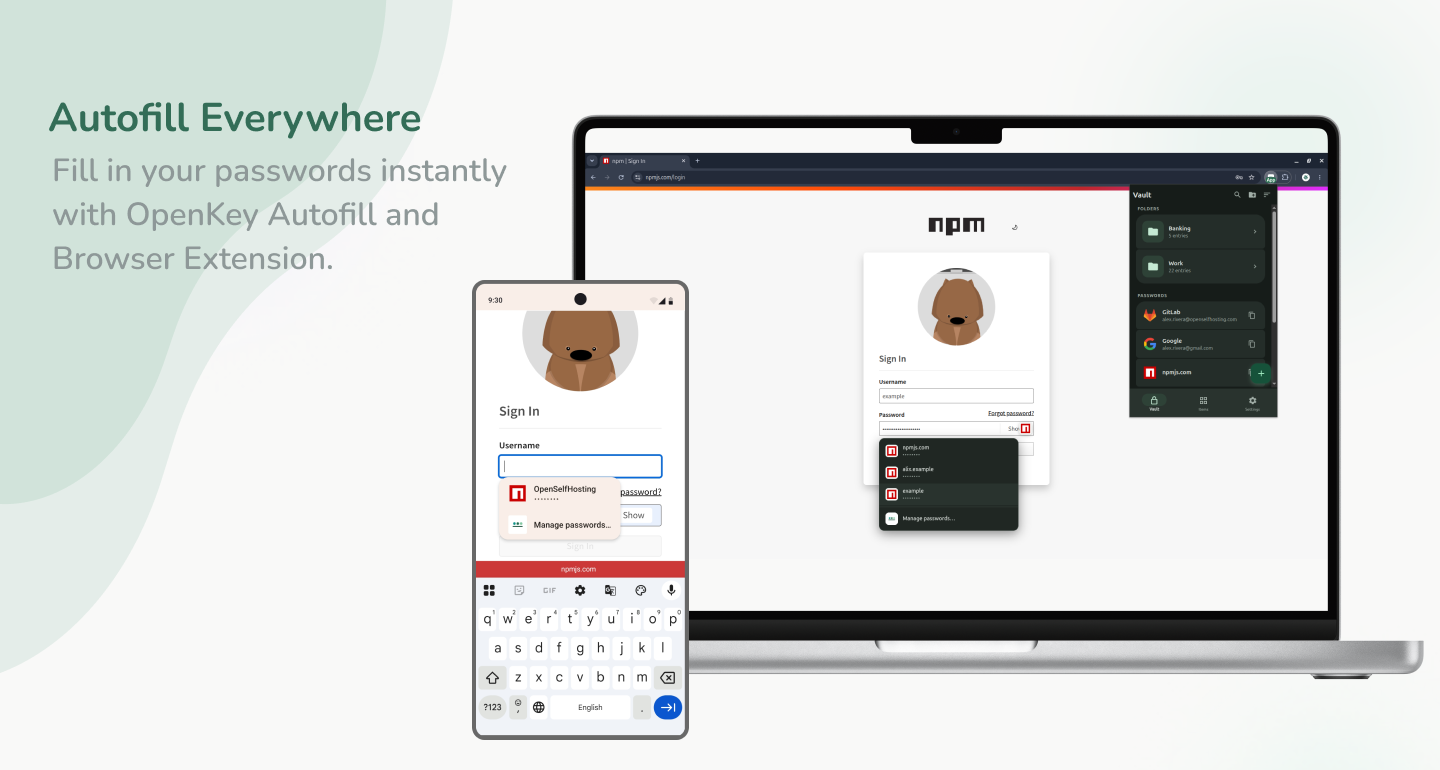
Passkeys and autofill in the browser
The vault on your phone is only half the story. Day-to-day login happens in Chrome, Firefox, and the OS credential UI — so OpenKey ships an MV3 browser extension plus system Autofill / Credential Provider support on mobile and desktop.
What the extension does
- Unlocks against your vault (local bridge to the desktop app, and/or self-hosted sync)
- Suggests matching logins on web forms
- Supports WebAuthn / passkey flows where the site offers them
- Uses the same server URL as the app when you sync
Build and load it from openkey_extension:
cd openkey_extension
npm install
npm run build
Load the dist/ folder as an unpacked extension. On desktop, unlock the OpenKey app and register the native messaging host, or unlock the extension against your server in standalone mode. Set the server URL in Options if you use sync, then unlock with email and master password.
System Autofill too
In the app, enable OpenKey under Settings → Security as the system password and passkey provider. That path covers apps and browsers that talk to the OS credential store — complementary to the extension, not a replacement for it on every platform.
Still zero-knowledge
Autofill runs after unlock on the client. The extension or OS provider decrypts only what it needs. Sync — if enabled — still exchanges opaque ciphertext. A compromised sync database does not become a dump of filled passwords. Untrusted web pages should only receive secrets through intentional autofill mediation.
Pair it with the rest of the stack
| Client | Role |
|---|---|
| App | Daily vault on phone and desktop; system Autofill / passkeys |
| Extension | Autofill and passkeys in Chrome / Firefox |
| CLI | Developer secrets and generation |
| Server | Optional ciphertext sync |
Learn more
- What are passkeys? — how the credential works before the OpenKey specifics
- Autofill passwords — turning fill on across every platform
- Autofill not working — the troubleshooting checklist
- Using the app — Autofill, browser, and backups
- Packages — extension setup
- Server setup — connect the extension to your host
- Security — trust boundaries for extension and native messaging