
Blog
Product notes and practical guides on password managers: how the technology works, how to choose one, how to move your passwords, and how to run the sync yourself.
Start here
- What is a password manager? — the fundamentals, and what actually makes one good
- Best password managers — seven questions and a scoring sheet
- Autofill passwords — the feature you will use fifty times a day
- Strong password generator — stop inventing passwords
Moving your passwords
- Import passwords from Chrome — the full export-and-destroy walkthrough
- LastPass alternative — what changes when you migrate
- 1Password alternative — cost, family plans, and self-hosting
- Google Password Manager — when to stay, and how to leave cleanly
Sharing
- Password manager for family — what to share and what never to share
- Password manager for teams — offboarding, machine access, auditability
Security topics
- What are passkeys? — key pairs, and why they cannot be phished
- Two-factor authentication in a password manager — TOTP seeds next to the logins they protect
- Forgot your master password? — what is recoverable, and how to prevent it
Self-hosting and the protocol
- Why self-host your password vault
- Self-hosted password manager — what running your own server takes
- Zero-knowledge sync explained
- Nearby without a server
- A CLI for developer secrets
- Passkeys and autofill in the browser
- OpenKey Pro — what unlocks (and what doesn’t)
- Welcome to OpenKey
Forgot your master password? What is actually recoverable
A forgotten password manager master password usually cannot be recovered. Here is what each design can and cannot restore, how to check you are not locked out, and how to make it impossible to happen again.
Import passwords from Chrome
How to export passwords from Chrome, Edge, and Google Password Manager, import them into another password manager, and then delete the export safely.
Password manager for family
Sharing passwords with family — what to share, what to never share, how to handle kids' accounts, and how to revoke access when someone moves out.
Password manager for teams: what to evaluate
Choosing a team password manager — shared vaults, roles, offboarding, CLI and API access, auditability — and how to run one on your own server.
Self-hosted password manager: what it actually takes
Running your own password manager sync server with Docker — what a self-hosted vault really gives you, what it costs you, and a complete setup and hardening checklist.
Google Password Manager: when to stay and when to move
What Google Password Manager does well, where it stops, how to export from it, and how to get your passwords out of the Chrome ecosystem into a vault you control.
1Password alternative: switching without losing your vault
Why people leave 1Password — cost, family plans, and self-hosting — plus a step-by-step migration to a password manager you control.
LastPass alternative: how to migrate and what to look for
Moving off LastPass — what to export, how to import into another manager, and the four requirements to check before choosing a replacement.
Strong password generator: stop inventing passwords
Why hand-invented passwords are weak, how to generate passwords that actually resist cracking, and how to check and fix the weak ones you already have.
Two-factor authentication in a password manager
What 2FA and TOTP codes are, how to store authenticator seeds next to the logins they protect, and how passkeys change the picture.
What are passkeys?
A plain-English guide to passkeys — how WebAuthn works, why they cannot be phished, how to create and use one, and what happens to your password manager.
Autofill not working: fixes that actually work
Why password autofill stops working in Chrome, Firefox, Safari, and on mobile — the five common causes and the fixes, in order of likelihood.
Autofill passwords: how to set it up and fix it
What autofill is, how to turn on password autofill in Chrome, Firefox, Safari, and on mobile, and how OpenKey fills logins, cards, and passkeys.
Best password managers
How to compare password managers in 2026 — free tiers, zero-knowledge encryption, self-hosting, autofill, passkeys, and the questions to ask before you pick one.
What is a password manager?
A plain-English guide to password managers — what they store, how they encrypt, which types exist, and how to pick one without trusting a stranger with your passwords.
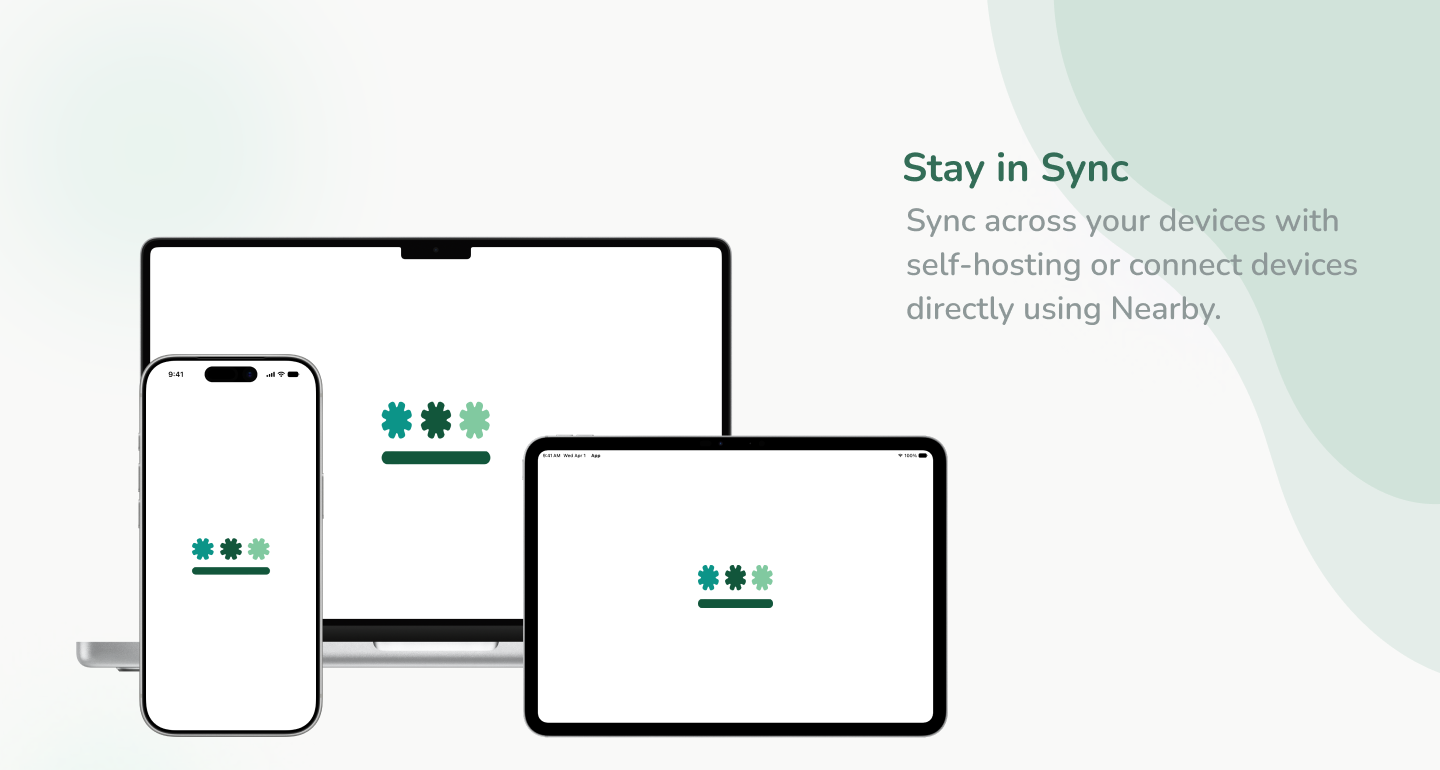
Nearby without a server
Pair devices on your Wi‑Fi with QR codes, link vaults, and sync ciphertext on the LAN — no self-hosted API required.
OpenKey Pro — what unlocks (and what doesn’t)
Free vs Pro limits, Nearby and LAN Pro, store IAP vs desktop, and what stays free on every platform.
Welcome to OpenKey
Why we built a self-hosted password manager that stores ciphertext only — and what ships across app, server, extension, and CLI.
Zero-knowledge sync explained
How OpenKey syncs vaults across devices without giving the server plaintext — Argon2id, auth hashes, and ciphertext-only storage.
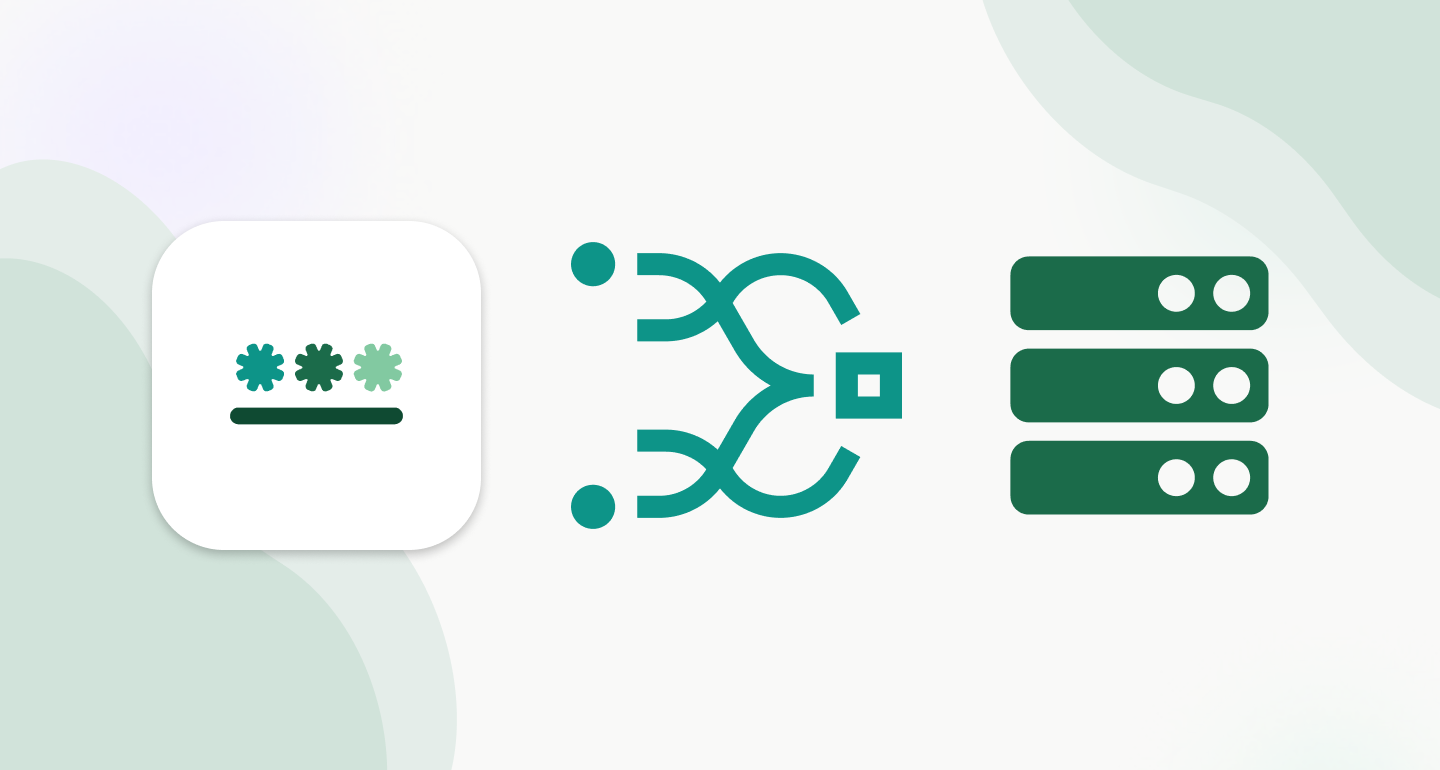
Why self-host your password vault
Control, privacy, and a sync server that stores ciphertext only — how to run OpenKey on your own hardware with Docker.
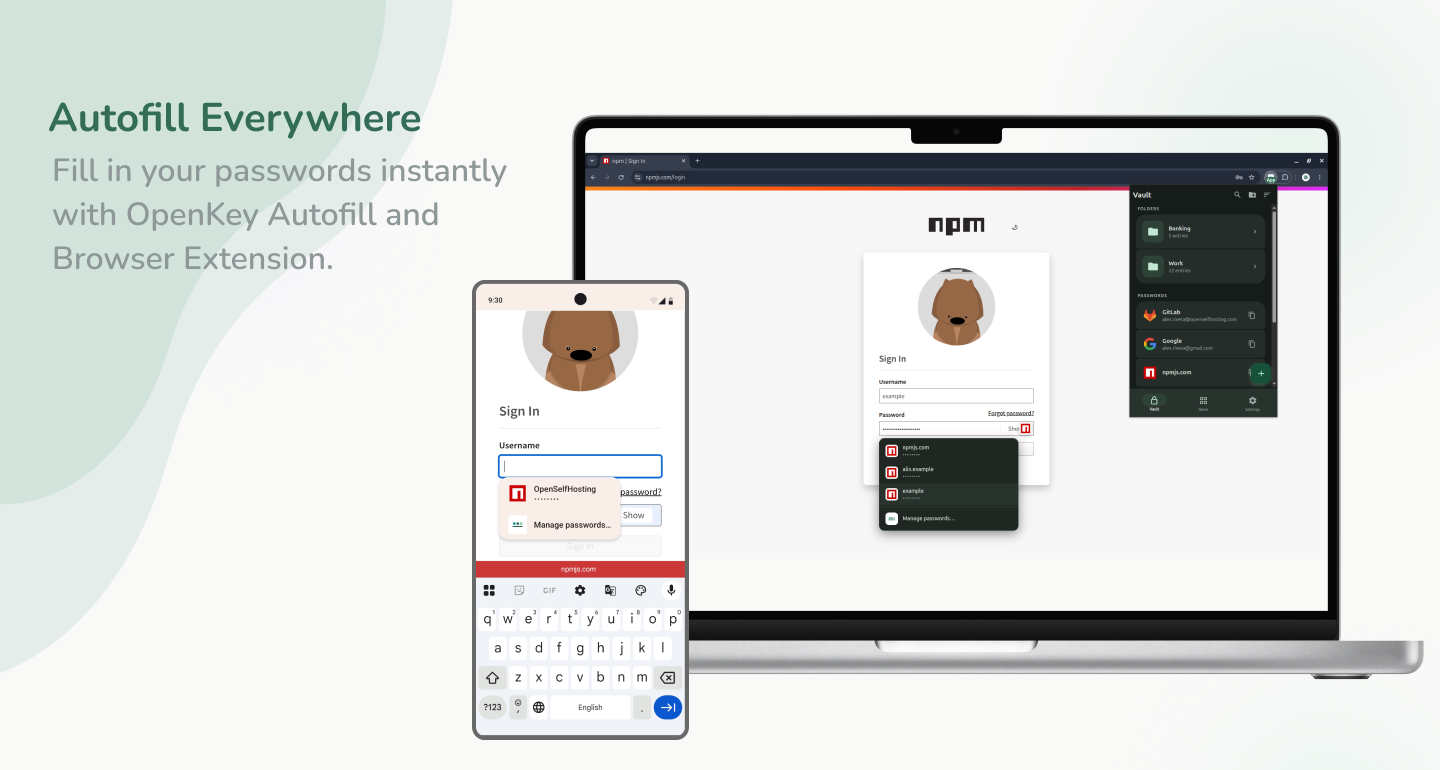
Passkeys and autofill in the browser
How OpenKey fills logins and passkeys in the browser and as a system credential provider — while keeping vault data encrypted on the client.

A CLI for developer secrets
A professional overview of the OpenKey CLI — offline generation, native desktop bridge, discovery, secret kinds, and optional zero-knowledge server sync.